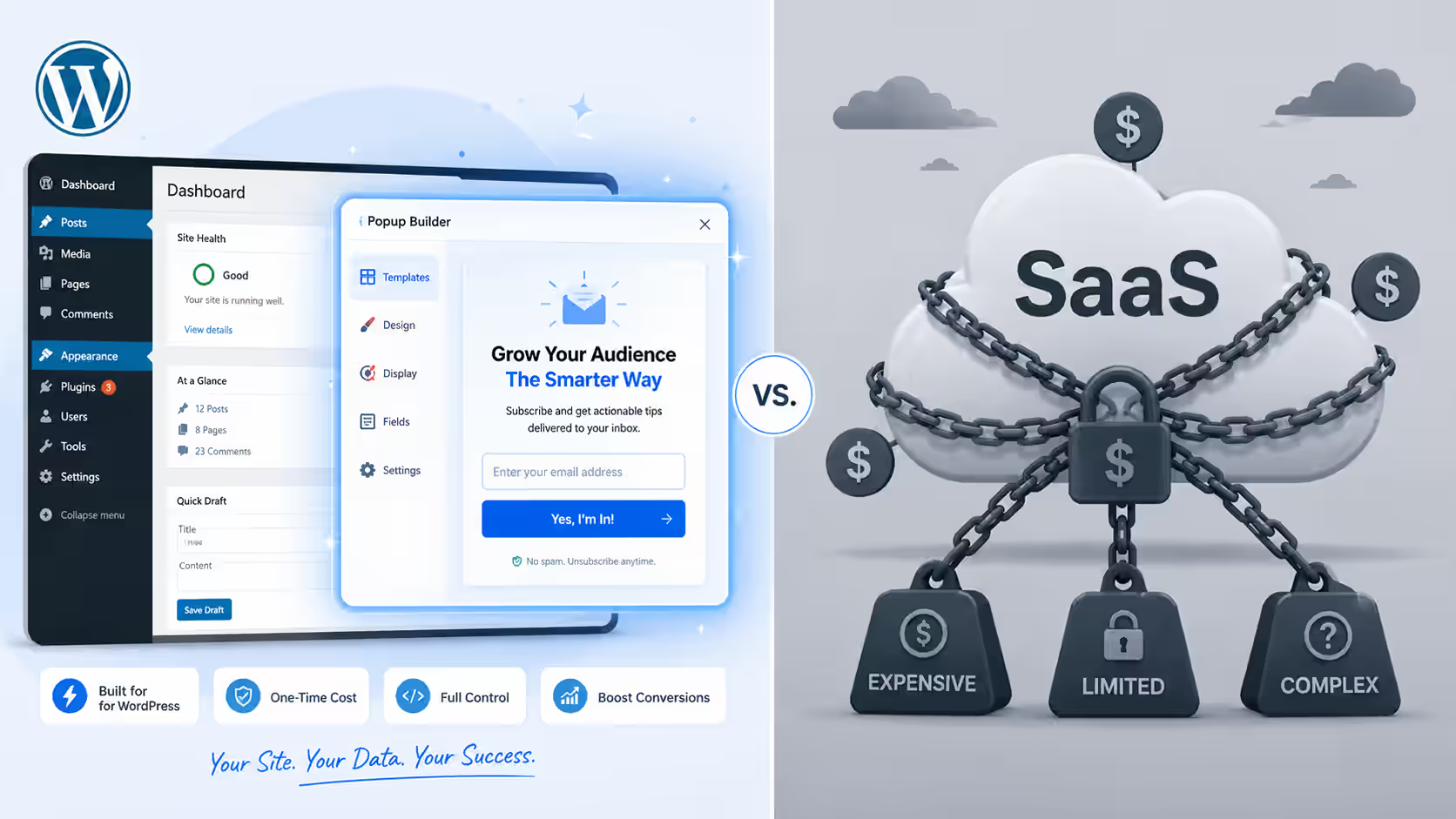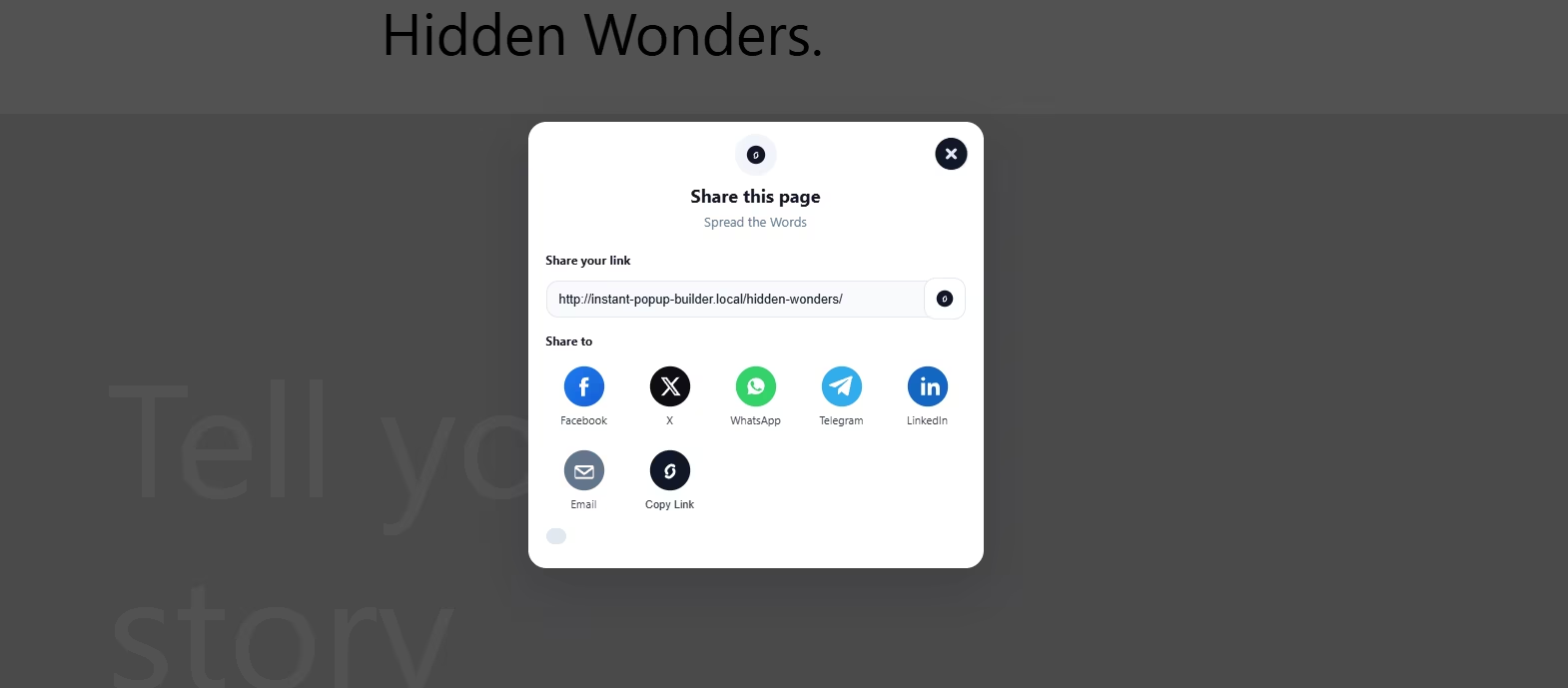
Popups can increase sign-ups, promote offers, recover abandoning visitors, and guide users toward important content. However, poorly timed or overly aggressive popups can interrupt the browsing experience and damage trust.
The difference usually comes down to execution.
Effective popup campaigns do not appear randomly. They use clear timing rules, sensible frequency limits, audience targeting, and suppression conditions. These controls help website owners show the right message to the right visitor without overwhelming them.
This guide explains the most important WordPress popup best practices, including when a popup should appear, how often it should reappear, how mobile behavior should differ from desktop, and which visitors should not see a campaign at all.
The benchmarks below should be treated as practical starting points rather than universal rules. Every website has different traffic sources, page layouts, audiences, and conversion goals. Therefore, testing remains essential.
A popup competes with the content a visitor originally came to view. That makes timing and relevance especially important.
A well-designed popup may feel like a helpful next step. For example, a visitor reading an in-depth guide may appreciate an invitation to download a related checklist. By contrast, a full-screen offer that appears immediately can feel intrusive because the visitor has not yet had time to understand the page.
Strong popup campaigns usually share several characteristics:
These principles form the foundation of reliable WordPress popup best practices.
There is no single ideal delay for every popup. The best trigger depends on the page type, campaign objective, and visitor intent.
Nevertheless, most campaigns perform better when visitors receive enough time to understand the page before an interruption appears.
A time-delayed popup appears after a visitor has remained on a page for a defined number of seconds.
A reasonable starting benchmark is:
Shorter delays may work on landing pages with a single offer. Longer delays are often better for educational articles because readers need time to engage with the content.
Avoid using a zero-second delay on most pages. Immediate popups can obstruct the main content before the visitor has established any interest.
Scroll triggers are useful because they measure engagement rather than time alone.
Common starting points include:
A popup triggered at 50% scroll often suits blog posts because the visitor has demonstrated genuine interest. However, the correct percentage depends on article length. Fifty percent of a 500-word article is very different from fifty percent of a 4,000-word guide.
Exit-intent popups are designed to appear when a desktop visitor moves toward closing the tab or leaving the page.
These campaigns can work well for:
Exit intent is generally more dependable on desktop because mouse movement provides a clear signal. Mobile devices do not provide the same cursor behavior, so mobile exit campaigns usually rely on alternatives such as rapid upward scrolling, back-button behavior, inactivity, or page-depth rules.
Frequency control is one of the most important WordPress popup best practices. Even a relevant offer becomes irritating when visitors see it repeatedly.
The right frequency depends on how urgent and valuable the campaign is.
For most newsletter, lead-generation, and promotional campaigns, consider these starting rules:
A session-based limit prevents the same popup from appearing several times while a visitor browses multiple pages. A cookie-based or storage-based rule can prevent it from returning too soon during future visits.
For high-intent campaigns, such as cart abandonment, the popup may reappear during a later session. However, it should still stop once the visitor completes the purchase or dismisses the offer several times.
Desktop and mobile visitors should not always receive the same campaign behavior.
Mobile screens have less space, touch controls are less precise, and full-screen interruptions can make content difficult to access. Therefore, mobile popups generally need more conservative timing and simpler layouts.
Desktop campaigns can support:
A desktop popup can often appear between 8 and 15 seconds after page load, provided the visitor has begun engaging with the page.
Mobile campaigns should usually use:
A mobile delay of 12 to 20 seconds is a useful starting range. For blog content, a 40% to 60% scroll trigger may be more appropriate than a fixed delay.
Mobile popups should never make the underlying content difficult to reach. The close control must remain clearly visible, and the campaign should be tested on multiple screen sizes.
Targeting determines who sees a popup. Better targeting often improves campaign performance more effectively than changing colors, animations, or button styles.
Useful targeting conditions include:
For example, a visitor arriving from a social media campaign may see a message tailored to that promotion. A returning customer may see a loyalty offer rather than a first-order discount.
Using Instant Popup Builder, website owners can organize popup campaigns around visitor behavior and page context. Additional targeting options, such as language targeting, can help multilingual websites show more relevant messages.
Suppression rules define when a popup should not appear. They protect the user experience and prevent visitors from seeing irrelevant campaigns.
Every campaign should include at least some suppression logic.
Once a visitor has completed the desired action, stop showing the same popup.
This includes visitors who have:
Continuing to display the campaign after conversion creates confusion and makes the website feel poorly coordinated.
Logged-in users may not need introductory promotions, newsletter forms, or account-creation messages.
Instead, they can receive campaigns related to product updates, account features, loyalty benefits, or renewal reminders.
Many popups should be disabled on:
These pages require focus. Interrupting them can reduce task completion or create unnecessary friction.
A visitor who closes the same popup several times is signaling a lack of interest.
After two or three dismissals, consider suppressing the campaign for a longer period, such as 30 to 90 days. Alternatively, stop showing it completely and test a different offer later.
Different campaign goals require different settings.
A newsletter popup should usually appear after the visitor has consumed some content.
Recommended starting setup:
A discount popup can appear earlier because the offer directly supports a purchase decision.
Recommended starting setup:
These campaigns should focus on visitors who have added products to the cart but appear ready to leave.
Recommended starting setup:
Content upgrades perform best when the offer is closely related to the article.
Recommended starting setup:
Several mistakes repeatedly reduce popup effectiveness.
An immediate popup asks visitors to act before they understand the website or offer. Unless the message is essential, give users time to engage first.
A generic campaign rarely matches every page. Instead, create offers for specific categories, products, or visitor segments.
Returning buyers and subscribers should not receive introductory campaigns repeatedly. Use suppression rules or customer-specific targeting.
Every additional field creates friction. Ask only for information that is necessary at that stage.
A close button should be obvious, accessible, and easy to tap. Visitors should never feel trapped.
This is one of the most damaging popup mistakes. A visitor who dismisses an offer should not see it again immediately after navigating.
A popup that looks polished on desktop may cover the entire screen or place the close button outside the visible area on mobile.
Popup performance should be evaluated using more than conversion rate alone.
Track:
A high conversion rate may appear positive, but it should be reviewed alongside user behavior. For example, a popup may collect email addresses while also increasing page abandonment.
Measure each device type, traffic source, and audience segment separately. A campaign that works for returning desktop visitors may perform poorly for new mobile users.
A/B testing helps identify the most effective campaign settings.
Useful tests include:
Change one primary variable per test. Otherwise, it becomes difficult to determine which change caused the result.
Allow tests to collect enough traffic before making decisions. Small sample sizes can produce misleading outcomes.
| Campaign Type | Suggested Trigger | Frequency | Suppression Rule |
|---|---|---|---|
| Newsletter sign-up | 40%–60% scroll | Every 14–30 days | After subscription |
| New visitor discount | 8–12 seconds | Once per session | After purchase or coupon use |
| Cart abandonment | Exit intent or inactivity | Once per abandonment session | After purchase |
| Content upgrade | 50%–70% scroll | Once per session | After download |
| Product recommendation | Product-page engagement | Once per session | After click or purchase |
| Announcement | 5–10 seconds or immediate banner | Once daily or per session | After acknowledgement |
These numbers are starting benchmarks. They should be adjusted using actual visitor behavior and campaign results.
A strong WordPress popup best practices program should connect campaigns across the whole website.
Instead of publishing unrelated popups, create a coordinated structure:
This approach turns popup management into a broader conversion strategy.
Because this article covers timing, targeting, frequency, mobile behavior, and suppression, it can also serve as a central internal-linking hub. Supporting articles can explore individual topics in greater depth, such as exit-intent popups, mobile popup design, browser-language targeting, ecommerce offers, and popup analytics.
The most effective popups are not necessarily the most visually dramatic. They are the ones that appear at the right moment, match the visitor’s intent, and disappear when they are no longer relevant.
The core WordPress popup best practices are straightforward: delay most campaigns until the visitor has engaged, limit repeat displays, use separate mobile rules, target specific audiences, and suppress converted or uninterested users.
Start with practical benchmarks, then refine them through testing. A newsletter popup may perform best after 50% scroll, while an ecommerce offer may work after a 10-second delay. The correct answer depends on the page, visitor, device, and campaign objective.
When timing, frequency, and targeting work together, popups become less disruptive and more useful. That creates a better experience for visitors and a stronger conversion system for the website.